
1. Open up the App Store on your iPad.
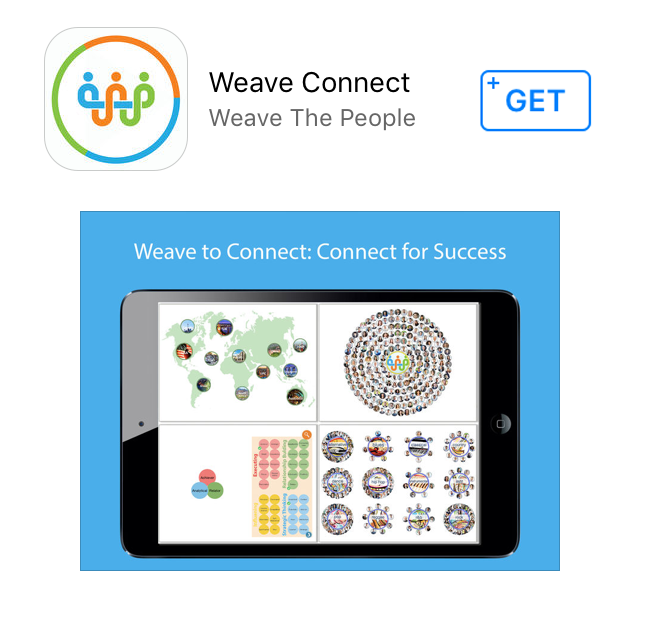
2. Search for Weave Connect and select “+GET” to download it.
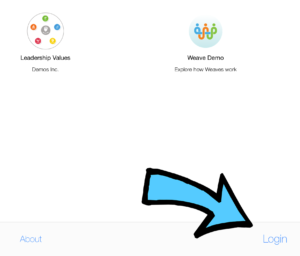
3. Open up the app and select Login.
4. Enter in your email address on the app and you will be emailed a code.
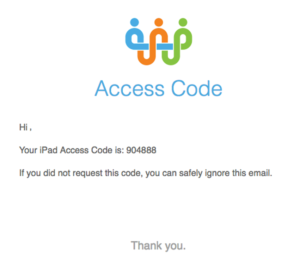
4. Retrieve the code from your email. Enter it into the app and you will be granted access to your Weave. It will begin to download after a few seconds.

5. You will only need to do this one time. Once you enter your iPad login credentials, it will keep you logged in to the Connect iPad app.